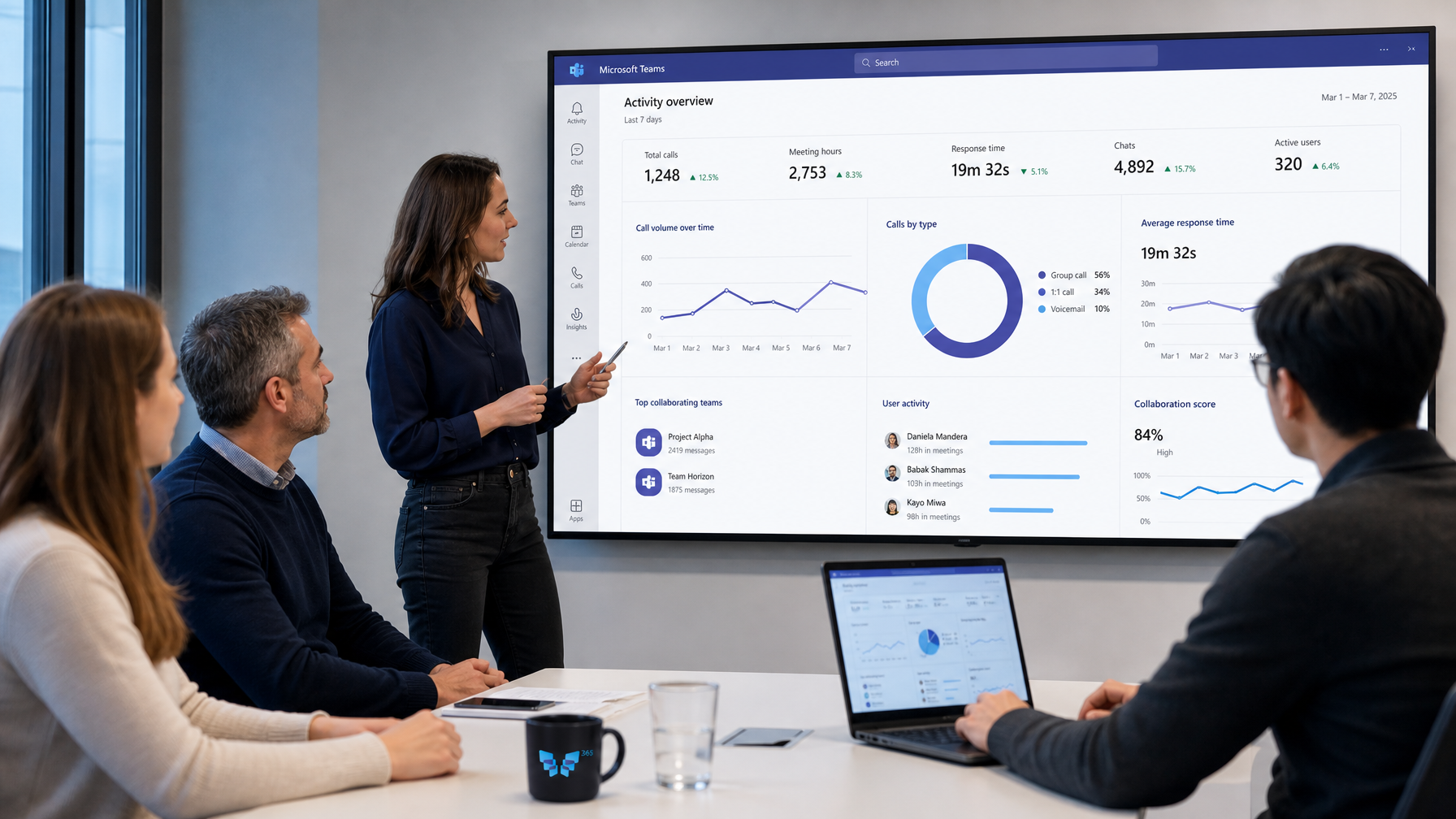


An employee pastes a client contract into a free AI chatbot to summarize it. A colleague rewrites a quote with an AI tool, including prices and discounts. A manager uploads a staff overview for analysis.
No one means any harm. Everyone just wants to work faster. But IT knows nothing. That's shadow AI.
This article explains what shadow AI is, why it's a risk, and how to manage it. Spoiler: banning doesn't work.
What does shadow AI mean?
Shadow AI is the use of AI tools within an organization without the knowledge or approval of IT or management. Think of free chatbots, AI browser extensions, writing assistants, or AI features in apps that employees install themselves.
Shadow AI vs. shadow IT
You may know shadow IT: employees using apps or cloud services without involving IT. Shadow AI is a form of this, but with an added risk. With shadow AI, not only does a file go to an unknown service, but its content is also processed, analyzed, and sometimes stored or used to improve models. Often you don't know what happens to your information afterward.
Examples of shadow AI
- Summarizing a contract or quote in a free AI chatbot.
- Creating minutes with an AI note-taker that participates in meetings.
- Analyzing customer data in an AI tool without a data processing agreement.
- Checking code or configurations in a public AI service.
- An AI browser extension that reads everything on your screen.
Why is shadow AI a problem?
Data breaches
Confidential information leaves your organization. Sometimes without any way to undo it.
Privacy and GDPR
Processing personal data in a tool without agreements is often against GDPR. Your organization remains responsible.
Compliance and the EU AI Act
The EU AI Act (the European AI regulation) requires organizations to know what AI they're using and that employees have sufficient AI knowledge. With shadow AI, you lack this oversight.
Unreliable answers
Public AI tools don't know your policies, prices, and processes. Employees may take answers that are simply incorrect.
No control afterwards
If something goes wrong, you can't trace what happened, who shared what information, and what the AI returned.
How to recognize shadow AI
- Ask. A short, anonymous survey often yields surprisingly honest answers.
- Check your network and apps. Tools for discovering cloud apps show which AI services are being used.
- Look for signs. Texts that suddenly sound different, AI note-takers in meetings, unknown extensions on laptops.
Why banning doesn't work
The first reflex is often to block. But employees use AI because it helps them. If you block one tool, they use another. Or they do it at home, on their own phones. A ban only pushes shadow AI further out of sight.
How to manage shadow AI
| Step | Action | Result |
|---|---|---|
| 1. Insight | Map out which AI tools are used and for what purposes | Identify where the risk lies |
| 2. Policy | Develop a clear AI policy: what is allowed, what is not, with which data | Employees know what to expect |
| 3. Alternative | Offer a safe, approved AI solution | The need doesn’t disappear, but it's fulfilled safely |
| 4. Training | Teach employees what AI can do and its risks | AI literacy organization-wide |
| 5. Monitoring | Track usage and new tools, and adjust accordingly | Sustained control |
The most important step is step three. Provide a good alternative, and there's less need to ban.
What makes an AI alternative safe?
- It operates within your own Microsoft 365 environment.
- It respects the rights you already have: employees only see what they are allowed to see.
- It uses only approved, up-to-date sources.
- It shows where an answer comes from.
- You can trace back what happened.
How 365 Agents helps
The Frontier Crew is exactly such a safe alternative. Six AI specialists working in your Microsoft 365 environment, with governance by design. The rights and rules you already have in Microsoft 365 remain in force. We add a second layer, especially for AI: guardrails, knowledge management, monitoring, and auditing. Thus, employees get the AI help they seek without information leaving the organization.
Want to replace shadow AI with AI you can trust? Schedule a conversation and we'll show you how it works.
Frequently Asked Questions
Is using ChatGPT at work shadow AI?
If it happens without approval and without data agreements, yes. It's not about the tool itself, but the lack of oversight and rules.
How big is the risk of shadow AI?
It depends on what information employees share. If it's confidential or personal data, the risk is high.
Should we block all AI tools?
No. Block selectively where it’s truly risky, but mostly provide a safe alternative and clear agreements.
What is an AI acceptable use policy?
A short set of agreements on which AI use is allowed, with what data, and under what conditions. It's the foundation of any shadow AI approach.