

Microsoft Technology
In-depth articles about the Microsoft technologies behind the 5Cs — per solution family.
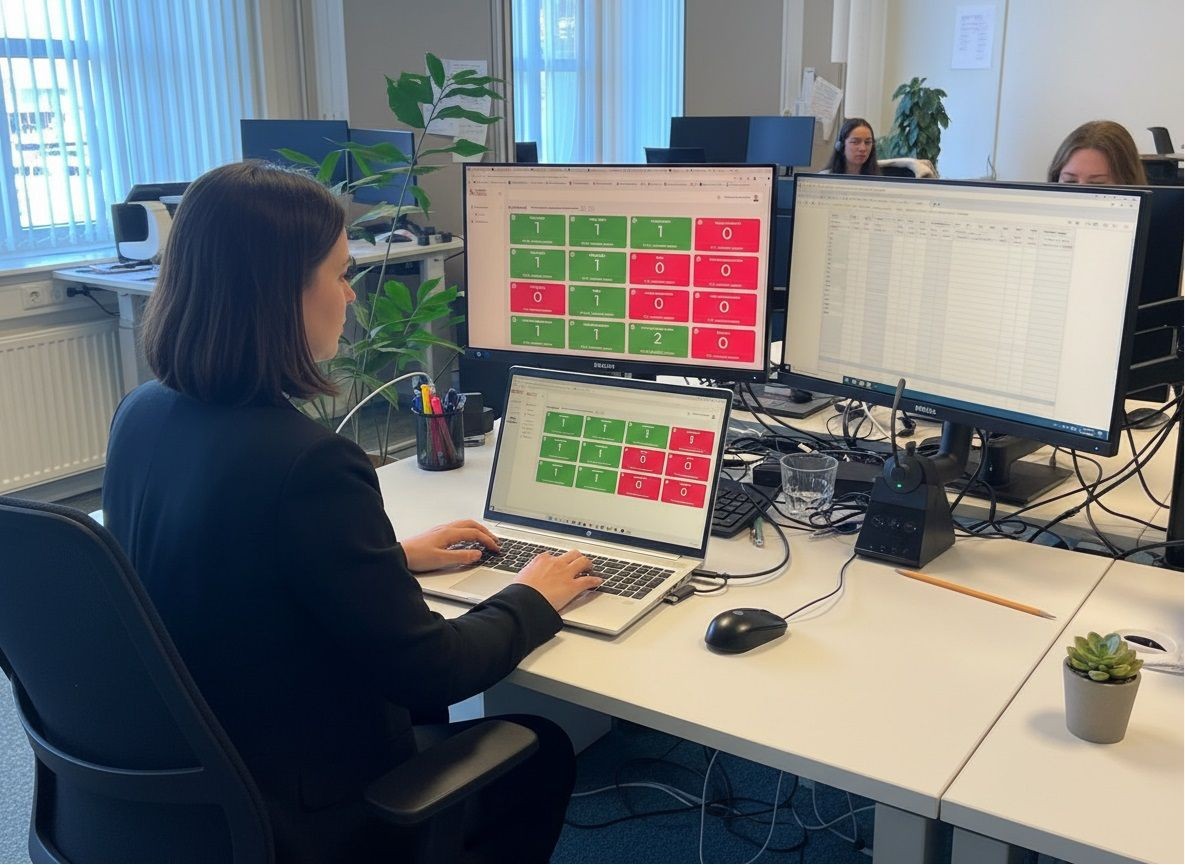
Clobba Flex toont 0 wachtenden? Dit is wat er aan de hand is
Sinds een wijziging binnen Microsoft Teams kan Clobba Flex het actuele aantal wachtenden in een Call Queue niet meer op de gebruikelijke manier uitlezen. Code Software heeft inmiddels een alternatief ontwikkeld. We leggen uit wat er speelt en wat je kunt doen.

Clobba Flex Release Notes - June 22, 2026: Enhancing Call Queue Management and Reporting
Explore the latest Clobba Flex updates from June 22, 2026, focusing on enhanced call queue management, customizable dashboards, and advanced reporting features for optimal contact center performance.

Teams governance: how to prevent proliferation of teams and channels
Two hundred teams, half without an owner, and no one knows which team is the real one. Here's how to keep Microsoft Teams organized with effective governance.

Shadow AI: what it is, why it’s risky, and how to get a handle on it
Employees use AI tools that IT knows nothing about. This is called shadow AI. What are the risks, how can you recognize it, and why doesn't banning it work?

ISO 42001 explained: what the AI management standard requires from your organization
ISO 42001 is the first international standard for managing AI. What does the standard require, for whom is certification useful, and how do you start?

Copilot training that really works: here's how to approach it per role
A Copilot training of one hour is forgotten after a week. Role-based training, with real tasks and a set rhythm, does change how people work.

Teams Telephony or a contact center: when is Teams alone no longer enough?
Teams Telephony works well for many organizations. But there comes a time when a contact center is needed. You can recognize that moment by these signals.

Setting up a Microsoft 365 champions program: colleagues helping colleagues
The best ambassadors for Microsoft 365 are already in your organization. Here's how to set up a champions program that truly accelerates adoption.

AI in HR: real examples, real risks, and how to start responsibly
AI in HR can save a lot of time, but it also requires caution. Concrete examples, the risks around privacy and the EU AI Act, and how to start safely.

Is your Microsoft 365 data backed up? The misconception about the cloud
Microsoft makes the cloud work. But who ensures your data can be retrieved after an error or ransomware? On shared responsibility and backup.

Microsoft 365 Business Premium, E3 or E5: which license suits your organization?
Business Premium, E3, or E5? The differences are mainly in security, management, and telephony. Here’s how to choose the license that fits your organization.

Microsoft 365 Copilot Chat or Microsoft 365 Copilot: what is the difference?
Copilot Chat is already in your Microsoft 365. So why pay for Microsoft 365 Copilot? We clearly outline the differences.

AI for finance: 8 practical applications for finance teams in Microsoft 365
AI for finance is not about robots taking over your accounting. It's about faster answers, less searching, and more control. 8 concrete applications.

NIS2 and Microsoft 365: what does the new cybersecurity legislation mean for your organization?
NIS2 imposes obligations on many more organizations for cybersecurity. What does that mean in practice, and how does Microsoft 365 help you comply?

Control over Microsoft 365 changes: how to monitor Message Center and Service Health
Microsoft changes Microsoft 365 every week. If you're not paying attention, you might be surprised by new features or issues. Here's how to stay informed without being overwhelmed.

AI Literacy: What the EU AI Act Requires from Your Organization (and How to Manage It)
Since February 2025, organizations must ensure sufficient AI literacy. What does this mean, who does it apply to, and how do you practically organize it?

Copilot Studio of Microsoft Foundry: where do you build your AI agent?
Do you want to build your own AI agent in the Microsoft ecosystem? Then you usually choose between Copilot Studio and Microsoft Foundry. Here's how to make that choice.

AI consultancy: what does an AI consultant do, what does it cost, and how do you choose the right partner?
AI consultancy sounds expensive and vague. What does an AI consultant really do, what are you paying for, and how do you choose a partner that delivers more than just a presentation?

Bringing your existing phone numbers to Microsoft Teams: how number porting works
Switching to Teams Telephony without new numbers? It's possible. Here's how number porting works and how to avoid surprises on the transition day.

Clean up oversharing before deploying Copilot: how to avoid surprises
Copilot shows what everyone already had access to. Including files that should have been private. This is how you clean up oversharing in SharePoint and Teams.

Measuring Accessibility in Microsoft Teams: the Six Figures That Really Matter
Does your organization feel hard to reach, but no one knows exactly how bad it is? With these six KPIs, you can measure accessibility in Teams.

Copilot agents explained: examples, costs, and when you need more
What are Copilot agents, what is the difference from Copilot itself, and what do they cost? Plus examples for each department and when to go beyond Copilot Studio.

Sensitivity labels and DLP in Microsoft Purview: GDPR-compliant collaboration in Microsoft 365
Collaborating in Teams and SharePoint is easy. Accidentally sharing sensitive information is too. Here's how you protect your data with labels and DLP in Microsoft Purview.

AI readiness assessment: the complete checklist for Copilot and AI agents
Ready for Copilot and AI agents? With this AI readiness assessment checklist, you can evaluate your strategy, data, access rights, governance, and skills before investing.

Out of office in Microsoft Teams: how to set your status and away message
Teams shows you as away while you are working, or does not tell colleagues you are on holiday? Here is how to set your status and out-of-office message.

AI governance framework: how to maintain control over Copilot and AI agents
AI governance sounds like paperwork. But without a proper AI governance framework, you will never safely scale AI. A practical framework that you can set up in 90 days.

An AI agent on the phone: what works today, and what (still) doesn't?
AI agents that answer the phone are no longer a thing of the future. But they are not a panacea either. An honest look at what works in customer contact.

Direct Routing, Operator Connect, or Calling Plan: which Teams calling route suits you?
Calling via Microsoft Teams can be done in three ways. We compare Direct Routing, Operator Connect, and Microsoft Calling Plans side by side.

External collaboration in Microsoft Teams: guests, external access, or shared channels?
Collaborating with customers, suppliers, or partners in Teams can be done in three ways. We explain the differences and when to choose each option.

Shared Call History in Microsoft Teams: this way no customer inquiry goes unnoticed
With a single shared overview of conversations, missed calls, and voicemail, teams gain better control over customer contact, making follow-up much easier.

MFA and conditional access: the security foundation every Microsoft 365 environment needs
Most break-ins start with a stolen password. With MFA and conditional access in Microsoft Entra, you close that door. Here's how to do it.

Measuring Copilot Adoption: How to Know if Copilot Really Delivers
You've purchased Copilot licenses. But is Copilot also being used? And does it save time? Here's how to measure the adoption and impact of Copilot.

Auto attendant or call queue in Teams: what is the difference and when should you choose which?
An auto attendant and a call queue may sound the same, but they do something entirely different. Here’s how to build a correct call structure in Microsoft Teams.

Linking Teams Telephony to your CRM: this is how you'll know immediately who's calling
A customer calls, and your employee immediately sees who it is and what is happening. This is how you connect Teams Telephony to your CRM, ERP, or service management system.

What and how? Call Flow Visualizer
What is Call Flow Visualizer? And how does it work?

Microsoft Copilot for Microsoft 365: What are the latest functionalities?
Explore the latest features of Microsoft Copilot for Microsoft 365 and discover how these updates can impact your organization's IT infrastructure.

Attendant Agent in Teams Phone
Attendant Agent in Teams Phone: a new phase in intelligent accessibility
Adding Phone Numbers to Microsoft Teams in Just 1 Hour
With our Operator Connect service, companies can add new phone numbers to their Microsoft Teams environment within 60 minutes. With Operator Connect, 365 Angels offers a fully managed telephony service for Microsoft Teams. This service enables seamless integration of fixed-line telephony into your organization's existing Microsoft 365 environment. This provides you with a modern, scalable, and highly reliable solution for business calling, without the complexity of traditional telephony platforms.

Microsoft Teams and the 5C of Communication: Smarter Collaboration in 2026
Microsoft Teams is evolving from a chat tool into a complete communication platform. Discover how the 5Cs of communication - Context, Consistency, Cohesion, Compliance, and Conversation - transform Teams into the nervous system of your organization.

Dynamics 365 Contact Center: the AI-driven customer contact platform
Dynamics 365 Contact Center combines traditional contact center functionality with AI-driven automation. Fully integrated with Microsoft Teams and Microsoft 365.

Microsoft Copilot and Copilot Studio: AI as a daily assistant
Microsoft 365 Copilot integrates AI into Word, Teams, Outlook, and Excel. Copilot Studio allows you to build your own AI assistants. Together, they transform the way employees work.

Microsoft Power Platform: automate your processes without coding
Power Apps, Power Automate, and Power BI together form the Power Platform. With these Low Code tools, you can automate processes, build apps, and visualize data — without deep programming knowledge.

OneDrive for Business: securely store and share files
OneDrive for Business is the personal cloud storage for every Microsoft 365 user. Discover how OneDrive enables secure sharing, collaboration, and working from any device.

Microsoft Places and Viva Suite: the smart hybrid workplace
Microsoft Places and the Viva Suite bring data and well-being together for a better hybrid work experience. From meeting room management to employee engagement.

SharePoint Online: the digital intranet for your organization
SharePoint Online is the collaboration platform of Microsoft 365. From intranet to document management — discover how SharePoint structures and enhances collaboration within your organization.

Azure Speech Studio: speech and AI in your communication platform
Azure Speech Studio brings AI-powered speech processing to your Microsoft Teams environment. Think of intelligent IVR flows, real-time transcription, and automated response systems.

Teams Phone and Direct Routing: business calling via Microsoft Teams
With Teams Phone, you can call any landline or mobile number from Microsoft Teams. Direct Routing and Operator Connect enable integration with your existing telephony infrastructure.

Windows 365 and Azure Virtual Desktop: the cloud PC for your employees
With Windows 365 and Azure Virtual Desktop, every employee has a complete Windows workspace in the cloud. Always available, secure, and easy to scale.

Microsoft Intune: modern device management for every organization
With Microsoft Intune, you manage all devices in your organization from one central location. From laptops to smartphones — secure, scalable, and cloud-first.

Microsoft Sentinel and Defender XDR: Security for your cloud environment
Microsoft Sentinel and Defender XDR together offer a powerful SIEM and XDR platform. Read how these tools protect your organization against modern cyber threats.

Microsoft Azure as the foundation for your Microsoft 365 environment
Azure is the cloud infrastructure on which all Microsoft 365 services run. Discover how a solid Azure foundation enhances the security, availability, and manageability of your organization.
Want to talk through what this means for your organisation?
Our experts speak Microsoft, but think in business outcomes.
Schedule a free consultation